A clean handoff starts upstream.
MeshyForm connects reconstruction, mesh health, and fabrication preparation so your team can make decisions on a single, legible model.
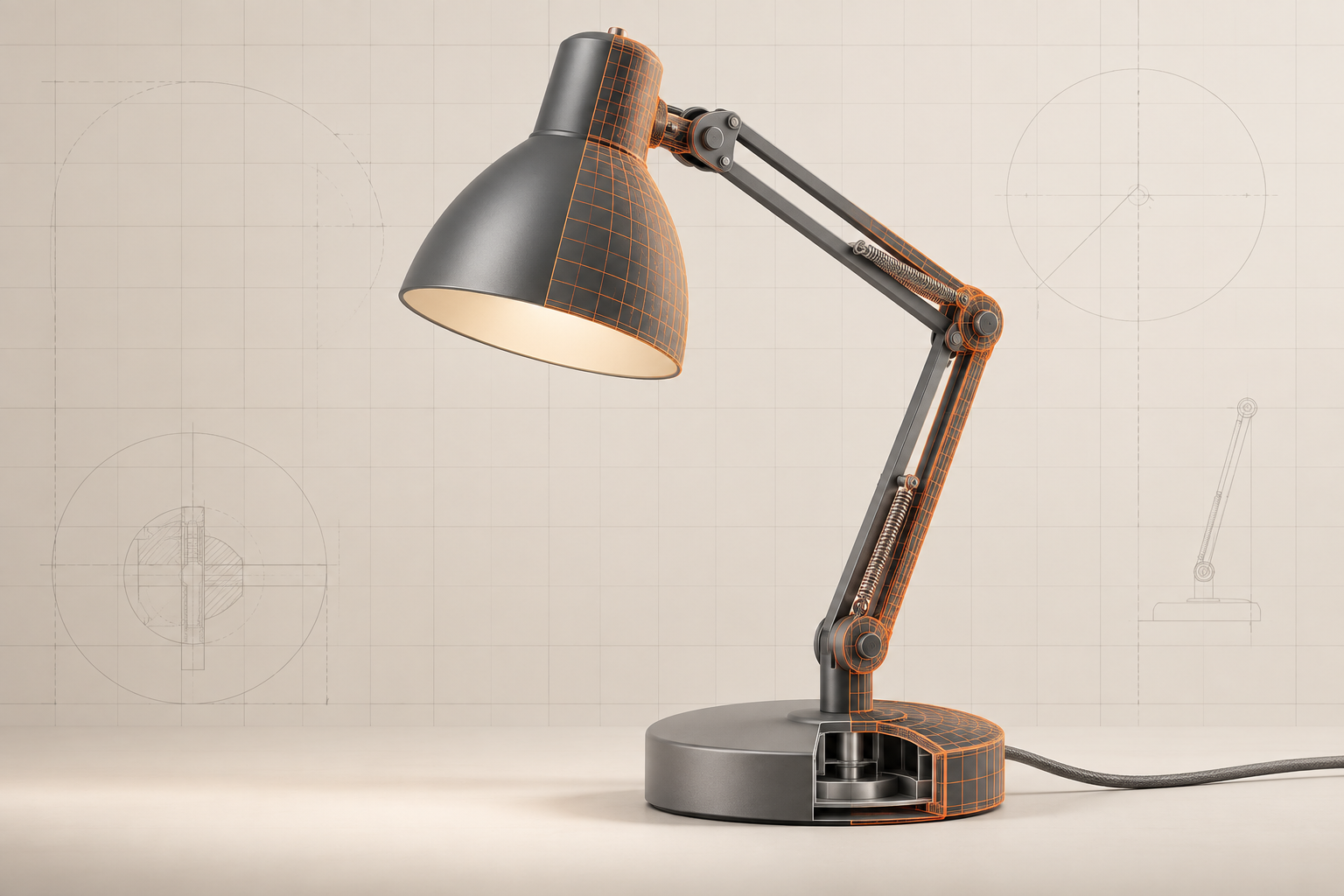
Read visual evidence into usable geometry.
Start with a product photo, a sketch, or a set of views. The reconstruction workspace is designed around the visual clues that matter: silhouette, proportion, openings, and surface transitions.
When source material is incomplete, reviewers can inspect the result before it moves into repair and preparation.
See what needs fixing before a printer does.
A printable surface has rules. The audit surfaces common geometry problems in a shared, reviewable format: open boundaries, non-manifold edges, disconnected shells, and self-intersections.
Incoming scan
Fabrication review
Make the digital part behave like a physical one.
Preparation puts the requirements of fabrication next to the geometry, making preflight decisions easier to track.
Wall & shell review
Inspect thin areas and evaluate shell continuity before a part enters a print queue.
Orientation planning
Review build direction and support-sensitive areas alongside the model.
Scale & tolerance
Carry real-world dimensions and your manufacturing tolerance into the preparation step.
Part separation
Break a reconstructed assembly into discrete components for inspection or manufacture.
Format handoff
Prepare files for the formats your downstream tools and fabrication partners expect.
Batch consistency
Apply the same review pattern when a collection of references needs the same outcome.
From first image to final file, with fewer blind spots.
Bring your own review process. MeshyForm gives it a clear model, a documented mesh state, and an export-ready endpoint.
photo_set.zip active geometry mesh health
PART PREP → REVIEW → EXPORT
settings attached · team review ready